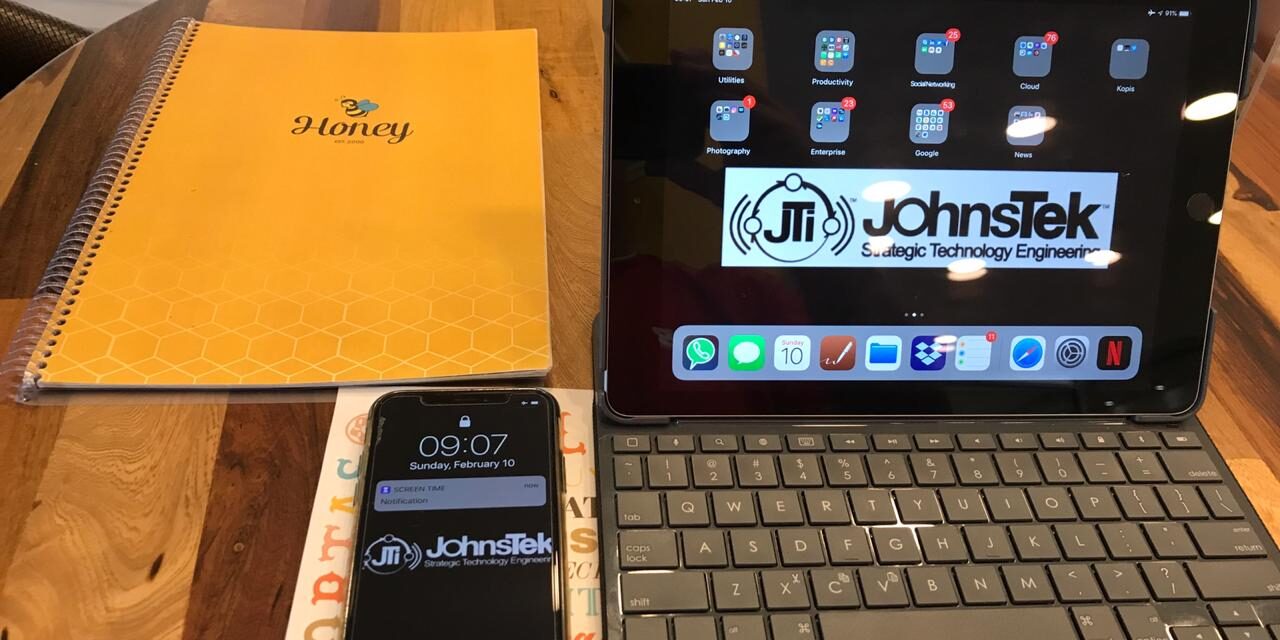
Data protection has become part of our daily lives, hopefully. Just as we lock the doors to our house or car, we must secure our mobile devices for everyday activities without even thinking about it. A relaxing visit to the local cafe could become an event where your personal or corporate data is compromised.
These days we all keep highly sensitive personal data on our mobile devices. At the very least we host mobile apps that connect to the data source, such as our bank accounts, corporate or personal emails, digital wallet, and password protectors. Cyber criminals attempt to exploit your device as a means to an end: gather enough information about you that allows them to exploit you for profit.
How does it start?
Try looking at the “available wifi” list the next time you are in an airport, cafe, or restaurant. Then look around and see if you can figure out who is who. That is less important, but a game the hacker plays. They will likely be within 30 feet of your location. Can you pick out the owner of “Grandmas iPhone”, “Big_Tex”, “iPhoneX”, or “Android”? They are all emitting signals that can be used to gain access if they are not secure.
Now look at your “available Bluetooth devices”. You will find “Beatrices AirPods”, “Apple Watch”, Huawei MLA-L03”. These are also devices that have an open channel.
OK, that is a great start. You have just mapped out the room and developed a target list. At least, that is what the local hacker is thinking.
The next step is to utilize a discovered vulnerability to the wireless connection or Bluetooth connection to the mobile device. In late 2017 the tech blog Tech Crunch reported on a Bluetooth Network Encapsulation Protocol (BNEP) vulnerability that allowed hackers to gain access and control the apps and configuration settings of the device (TC 9/12/2017). Thankfully, the mobile device manufacturers patched the vulnerability once it was discovered. However, there may be other exploits out there.
Another possibility for an exploit is that the hacker is able to send a file armed with exploitation malware to your device through bluetooth or wifi sharing features on your device. Granted, the device owner must accept the incoming file. However, how many times have we reacted to a pop up window in haste while partially distracted and then thought, ‘what was that’? It could be that vector that has now embedded a Remote Access Trojan (RAT) onto the device.
Do not fear…there are plenty of ways to avoid becoming a victim. Awareness that there are exploits out there is a start to safeguarding your mobile domain. Next, look for reputable apps, such as a private VPN or mobile device encryptor developed by a known company. Incorporate safe practices, such as turning off bluetooth when you enter a cafe or restaurant, or take the extra second to read the pop up message on your screen. Ask the barrista or waiter what the establishment wifi name is to be sure you are not connecting to a fake router give them he establishment name by the hacker. Even take a few seconds and see if there are any “customers” sitting at one of the tables that seems to be lurking suspiciously. Do not approach them! Just look around with confidence. Sometimes that throws the bad actor off balance.
As always, keep your software up to date! This is the most important action you can do to stay secure. And change passwords regularly.
Be safe out there!
Please contact us for more information!